Supported Stores
Purchase through approved stores, then request your key through support if it is not auto-issued.
Purchase through approved stores, then request your key through support if it is not auto-issued.
/sync to sync your purchase roles./get-license if your account is eligible.If your Discord and store account are already linked, role-based verification can speed up license delivery.
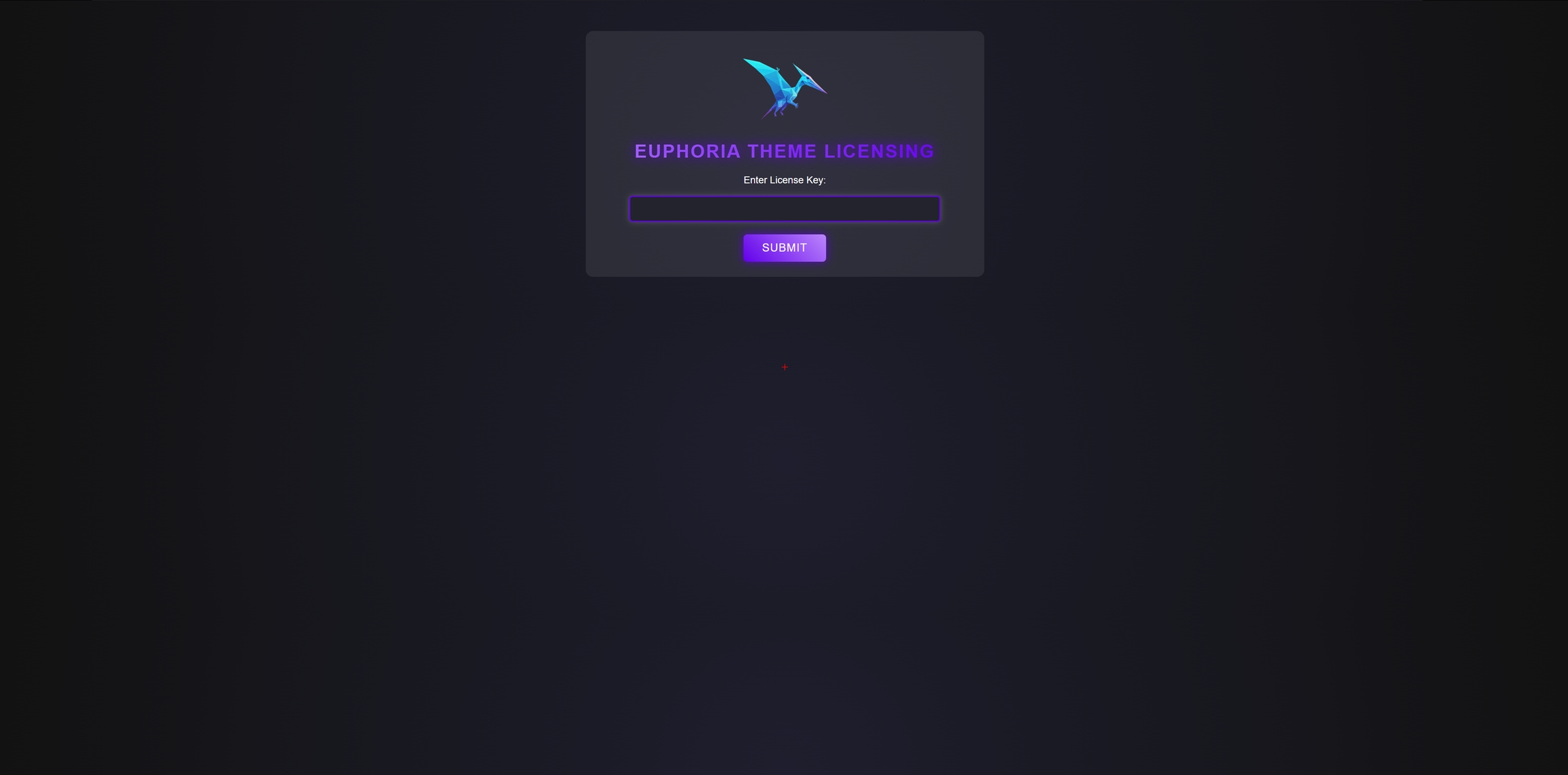
Admins see a license form on first panel load. Submit your key and wait for verification.
If validation fails after IP/HWID changes, open a reset ticket to clear saved machine identifiers before retrying.
Once a license key is assigned, you can sign in with Discord at license.euphoriadevelopment.uk to reset your HWID and roll your license key.