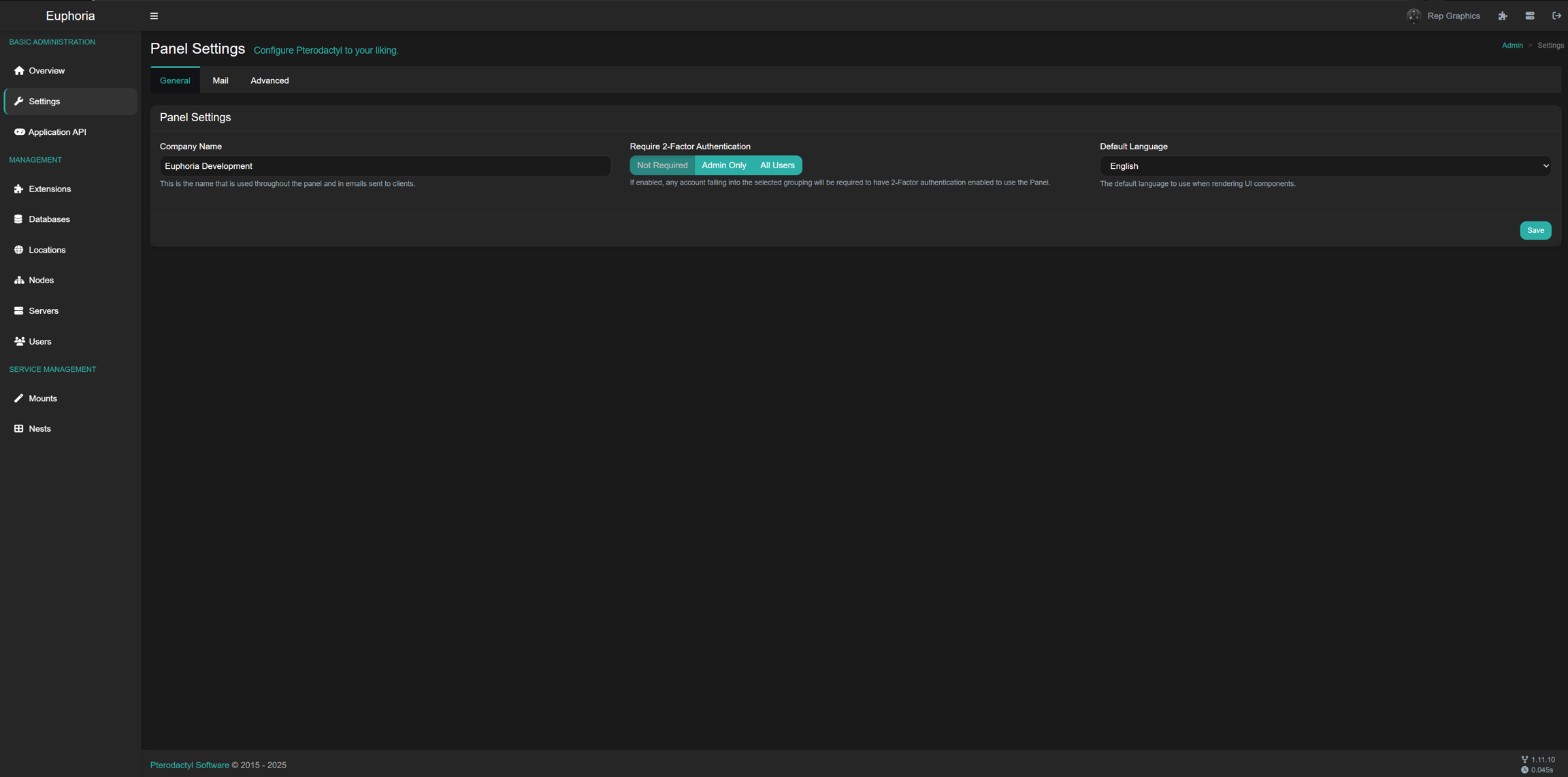
Refresh WorkflowOpen Blueprint Extensions.Select Refresh Theme.Apply updated settings (such as primary color).Reload panel and verify visual changes.
If Changes Don't ShowPurge Cloudflare or edge cache.Clear browser cache and hard refresh.Wait for cache propagation if CDN is still stale.Most "theme not updating" reports are cache-related, not install failures.